Business
Beginner
60 mins
Teacher/Student led
+65 XP

What you need:
Chromebook/Laptop/PC or iPad/Tablet
IWB/Projector/Large Screen

Generating and Choosing Your Business Idea

You'll use SCAMPER to sharpen your candidate business ideas, apply a feasibility filter to test them, and commit to one mini-business idea that you'll develop over the next seven lessons.

Teacher Class Feed

Load previous activity

    1 - Getting Started

    Illustration for Getting StartedYou're starting today from one of three places: maybe you have 2 or 3 candidate ideas from last week's homework, maybe you have seeds from your earlier Action Plan in this unit, or maybe you're walking in with nothing yet. All three are completely fine. By the time you walk out, whatever you start with becomes one idea, locked in, that you'll build a customer persona for, cost out, market, and pitch over the next 7 lessons.
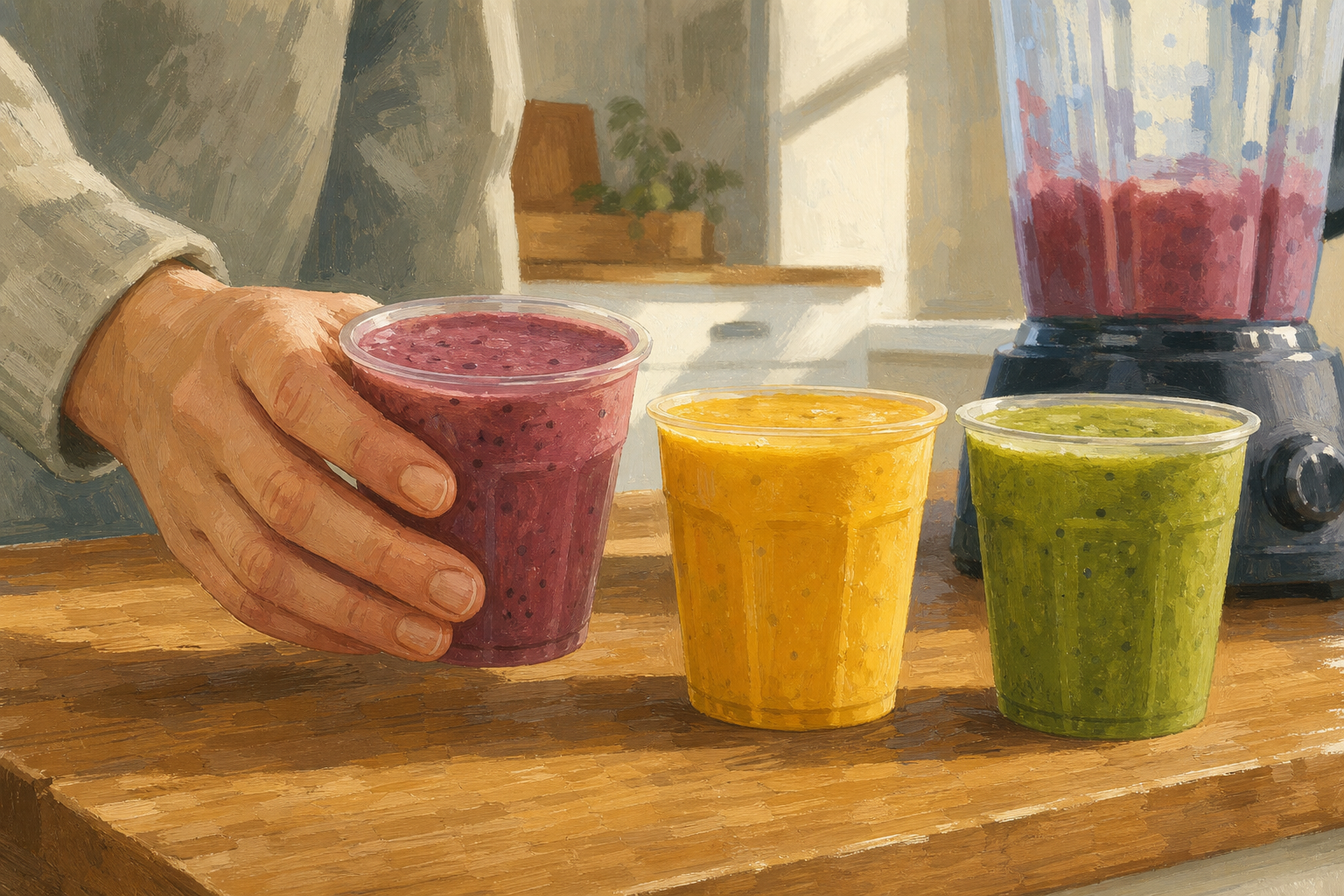
    Starting fresh?

    Starting fresh? No problem. There's a starter-ideas panel inside the worksheet later in this lesson with simple TY mini-business options you can adopt. SCAMPER, the tool you'll learn today, will turn even a plain starter into something stronger — so the route you take in matters less than how you sharpen the idea once you're here.

    Key point

    Here's the thing most TY students get wrong about ideas: they chase what sounds impressive (an app, a tech startup, something with AI in the name) instead of asking what people actually need. Irish entrepreneurs Patrick and John Collison, from County Tipperary, didn't start Stripe because "payments" sounded cool. They founded it in 2010 because accepting card payments online was painfully complicated, and they wanted developers to be able to integrate payments with just a few lines of code instead of hundreds of pages. The strongest ideas come from real, annoying, specific problems.

    Today you'll learn one tool to sharpen an idea (SCAMPER) and one tool to test it (the feasibility filter), then you'll use both on your own candidates and decide.

    2 - What You'll Learn

    Four ideas drive today's lesson. The table below covers the first three. SCAMPER, the fourth, has its own section underneath the table because it needs more room to breathe.

    ConceptWhy it mattersExample
    Problem-led idea — a business built around a real problem people already have, not around something that just sounds impressiveIdeas chosen because they sound cool tend to die when nobody actually wants the product; ideas chosen because they solve a real annoyance have built-in customers from day onePatrick and John Collison founded Stripe in 2010 because accepting online payments was painfully complicated; "payments" wasn't a glamorous problem but it was a real one
    Feasibility filter — four questions you ask before committing: (1) can you actually make or sell it, (2) who would pay and roughly how much, (3) is it legal, safe and ethical, (4) can you realistically build something meaningful in the remaining 7 lessonsIf even one answer is a hard no, the idea is wrong for this module — better to find that out today in 5 minutes than later in the module when you're three pages into the pitch"A pop-up bake sale at the Christmas market" passes all four. "A licensed online pharmacy" fails question 3 — TY students can't legally sell prescription medicine
    Locked-in idea — the one mini-business idea you commit to today that drives every remaining lessonIf you keep swapping ideas across the module, your customer persona, budget and pitch never line up; locking in today means each later lesson adds depth instead of starting overBy the end of today your Chosen Idea page names one mini-business — from the next lesson onward, every worksheet acts on that idea

    SCAMPER, at a glance

    SCAMPER is the fourth idea today: a seven-letter thinking framework that pushes you in seven different directions when an idea feels flat. The full explanation of the thinking behind each letter is in the next step. Here are the seven letters with a one-line cue each, so you can recognise them on sight:

    • S — Substitute: swap one ingredient, material, person or step for a better one
    • C — Combine: bundle two things that work better together than apart
    • A — Adapt: flex the format to fit a different setting, moment or audience
    • M — Modify: change the size, format, frequency or a key feature
    • P — Put to other use: find a different use for the product, leftover or skill
    • E — Eliminate: cut a part of the default setup entirely
    • R — Reverse: flip the customer, the order, or the obvious assumption
    Key point

    You don't need to use all seven on your own idea. Even one or two well-chosen moves produces a sharper idea than just "thinking harder". The next step shows what each letter is really asking for, then runs all seven on a single worked example.

    3 - Try It Yourself: SCAMPER in Action

    Illustration for Try It Yourself: SCAMPER in ActionBefore we run SCAMPER on a real example, here's the thinking each letter is actually asking for. The verbs are easy to remember; the thinking shifts are what makes the tool work.

    • Substitute and Modify change WHAT the product is. Substitute asks: what ingredient, material, person or step could be swapped for something better, cheaper or more interesting? Modify asks: what size, format, frequency or feature could be changed?
    • Adapt and Combine change HOW it's delivered or bundled. Adapt asks: how could the format flex to fit a different setting or moment? Combine asks: what two things could be sold together that work better than separately?
    • Put to other use shifts the use case. What else could this product, leftover or skill be used for — a different customer, a different moment, a different problem you hadn't spotted?
    • Eliminate and Reverse challenge an assumption you didn't realise you were making. Eliminate asks: what part of the default setup could you cut entirely? Reverse asks: what if you flipped the customer, the order, or the obvious assumption?
    Key point

    Now look at SCAMPER and the feasibility filter applied to one starter idea: a plain school-yard smoothie stall. Notice how each letter pushes the idea in a different direction, and how the feasibility filter quickly tells us which sharpened version is actually doable.

    4 - Lock in Your Mini-business Idea

    Now you'll do the same process on your own candidate ideas and finish today with ONE locked-in idea. Here's the order:

    1. Pick 2. From the candidate ideas you brought as homework (plus any seeds from your earlier Action Plan, or any from the starter list below), choose the 2 you find most promising. Set the rest aside.
    2. Sharpen each. For each of your 2 ideas, pick one SCAMPER move from the 7 and use it to write a SHARPENED version. The sharpened version is what goes into the first column of the table below — not the boring default.
    3. Run the filter. Fill in the next three columns for each sharpened idea: can you make/sell it, who would pay (and roughly how much), and one concern.
    4. Decide. Use the prompt below the table to lock in ONE idea with a clear reason why.

    No ideas yet? Pick a starter and sharpen it.

    Tip

    If you arrived without ideas, or you tried your two and both fail the feasibility filter, pick any TWO from this list and treat them as your candidates. There's no shame in starting from a starter idea — lots of real businesses do.

    • A pop-up bake sale at a school event or Christmas market
    • A homework-help service for first-years (one-to-one tutoring after school)
    • A school-yard breakfast bar (toasties, granola pots, hot chocolate)
    • A custom-printed phone-case or hoodie service (using a print-on-demand supplier)
    • A dog-walking or pet-sitting business in your local area
    • A second-hand uniform swap for your school's incoming first-years
    • A birthday-party-in-a-box service for younger siblings' parents (decorations, plan, snacks)
    • A simple jewellery, candle or sticker line sold at a local market or fair
    Sharpen and Filter: Your Chosen Idea
    Pick your 2 strongest candidate ideas. Apply 1 SCAMPER move to sharpen each. Write the sharpened version into the first column, then fill in the feasibility filter across the row. The first row shows you how specific to be — match that level of detail, but use your own idea. Here's the transformation you're making in column 1: BEFORE = a plain smoothie stall at break. AFTER (SCAMPER Substitute applied) = frozen Irish berry smoothies, €2 a cup, sold at morning break. The 'after' is what goes in.
    Sharpened idea (after SCAMPER) Make/sell? (note how) Customer & rough price One concern (legal/safe/ethical/time)
    Frozen Irish berry smoothies, €2 a cup, sold at morning break (SCAMPER: Substitute imported fruit with frozen Irish berries; original was a plain smoothie stall) Borrow blender from home; buy berries at SuperValu; need school permission. Setup takes one afternoon. Hungry students at break with €2 spare. Estimate 15-20 cups per stall day. Food hygiene basics + allergens (must label nut-free). Need school sign-off before first sale.
    Lock it in. Which ONE of your two sharpened ideas wins? Write your locked-in mini-business in one specific sentence (who it serves and what it offers), then add one sentence on WHY this one beat the other. This is the idea you'll build on for the next 7 lessons.

    5 - Think About It

    Note

    Before you move on, sit with the decision you just made for a moment. There's nothing to type or save here — this is a silent 60-second think, just for you. The saved artifact is already done: your locked-in idea is on the worksheet above.

    Think about

    • Which SCAMPER move surprised you most when you applied it to your own idea — and would you have got there without the framework?
    • Your locked-in idea is now committed for 7 weeks. What's the one thing about it that excites you most, and what's the one thing you're nervous about?

    Hold those answers in your head, then scroll on when you're ready.

    Unlock the Full Learning Experience

    Get ready to embark on an incredible learning journey! Get access to this lesson and hundreds more on our learning platform.

    Copyright Notice
    This lesson is copyright of 123Learn.org 2017 - 2025. Unauthorised use, copying or distribution is not allowed.
    🍪 Our website uses cookies to make your browsing experience better. By using our website you agree to our use of cookies. Learn more